A Laptop Riser and Eye-Level Screen for Neck Comfort
Raising the screen to eye level and sitting with feet supported. A desk set-up fix; neck pain with arm numbness needs a doctor.
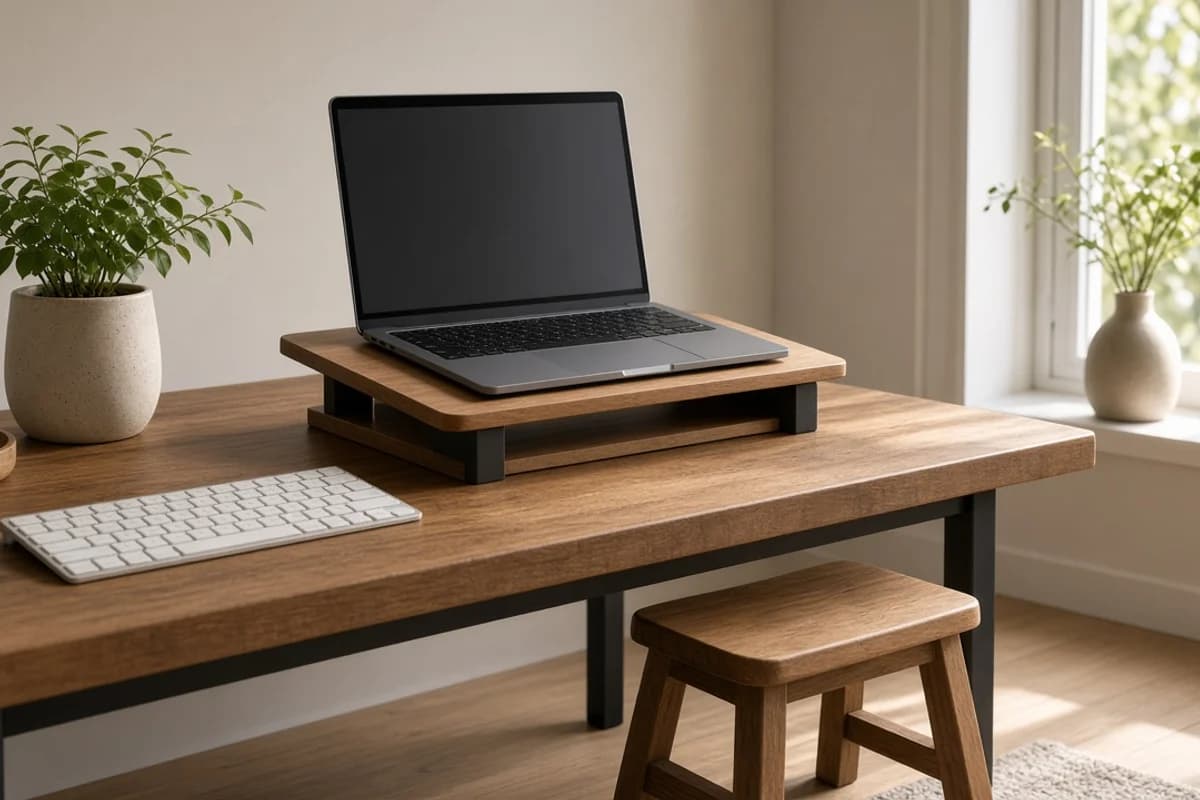
Fix the desk before the neck
Looking down at a laptop for hours bends the neck forward, which many people feel as an ache across the neck and shoulders by the evening. Raising the screen to eye level on a stand, using a separate keyboard and keeping the feet supported can ease that strain. This is a set-up habit and not a treatment for cervical spondylosis, disc problems or nerve pain.
Place the top of the screen at about eye level, the elbows at a right angle and the feet flat on the floor or on a footrest. Get up and move every 30 to 45 minutes. Neck pain with numbness or tingling in the arm, weakness, headache or pain after an injury needs a doctor.
Ingredients
- A laptop stand or a stack of firm books
- A separate keyboard and mouse
- A footrest or a firm box for the feet
How to prepare
- Raise the laptop so the top of the screen is at eye level.
- Use a separate keyboard so the arms can rest comfortably.
How to use
- Sit back in the chair with feet flat and elbows at a right angle.
- Stand up and move every 30 to 45 minutes.
Helpful habits
- Roll the shoulders back and drop them every so often.
- Look away from the screen into the distance now and then.
Precautions
- Neck pain with arm numbness, tingling, weakness or after an injury needs a doctor.
- Do not work for hours without moving.
- A set-up habit, not a treatment for any neck condition.
Frequently asked questions
Will a riser cure my neck pain?
- It may reduce strain, but it is not a treatment.
Do I need a special chair?
- A supportive chair helps, but small changes in how you sit make a difference.
How often should I get up?
- Every 30 to 45 minutes.